
INFOGRAPHIC
Our tips for preparing your print files
File formats
PHOTOSHOP
(.PSD, .TIFF ou .PDF)
✔️ Ideal for images, photos, and photomontages.
- PSD with layers, if possible
- Uncompressed TIFF
- or high-quality PDF
ILLUSTRATOR
(.AI, .EPS, ou .PDF)
✔️ Ideal for logos, text, technical drawings, and cutouts.
- the AI file
- or a vector PDF
- the embedded images
INDESIGN
(.INDD ou .PDF)
✔️ Ideal for multi-page documents.
- the InDesign file
- the assembly file
- or an HD PDF
PDF
(HIGH QUALITY)
✔️ The most universal format.
- Don't have Adobe ? No problem, we also accept PDF files created in other software (Word, PowerPoint, Canva, CorelDraw, Affinity Designer, etc.).
- Prefer PDF/X-4.

BEFORE SENDING US YOUR FILE, CHECK :
✅Spelling
✅The dimensions
✅Image resolution
(300 dpi at your product's scale)
Our preparation tips

FONTS
Provide the fonts used or convert the text to outlines.

VARNISH
Create a dedicated layer named "Spot Varnish" for the areas to be varnished.

CUTTING
Create a layer named "Cutting" with a spot color named "Cutting".

NON-RECOVERABLE FUNDS
Allow for a 3mm bleed around the document.

SUPPORT WHITE
Create a dedicated layer named "Spot White" if necessary.

COLORS
Use CMYK mode. RGB colors may vary during printing.

LENTICULAR FILES
Please provide separately :
1. The visual you want to see in the background.
2. On a separate layer or in another file : the elements of this image that you wish to highlight (which will "float").
3. In a separate file : the pattern you wish to see repeated
DON'T HAVE A PRINT-READY FILE ?
We can assist you :

File check

Document editing

Adaptation of visuals

Recreating files

Full layout
Save time,
Entrust us with your project,
we take care of everything !

FRAMING
How to choose the right baguette ?

1. DIMENSIONS
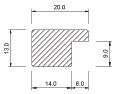
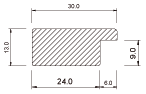
The width of the moulding determines the visibility of your image and the balance of the framing.
10 mm

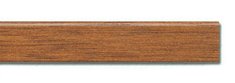
20 mm
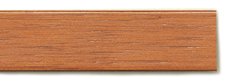
30 mm
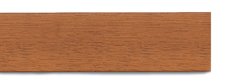

2. THE PROFILE
The profile of the moulding adds depth and character to your framing.
Flat
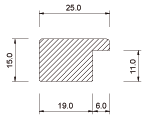
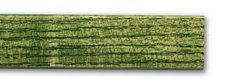
Domed
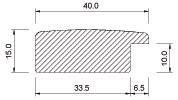
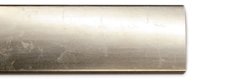
With molding
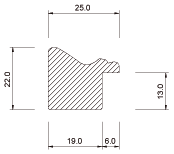
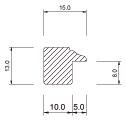
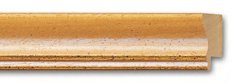
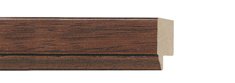

3. MATTER
The choice of material influences the style, durability, and final appearance of your framing.
Wood
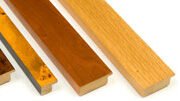
Aluminum-clad MDF
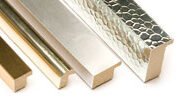
Printed MDF
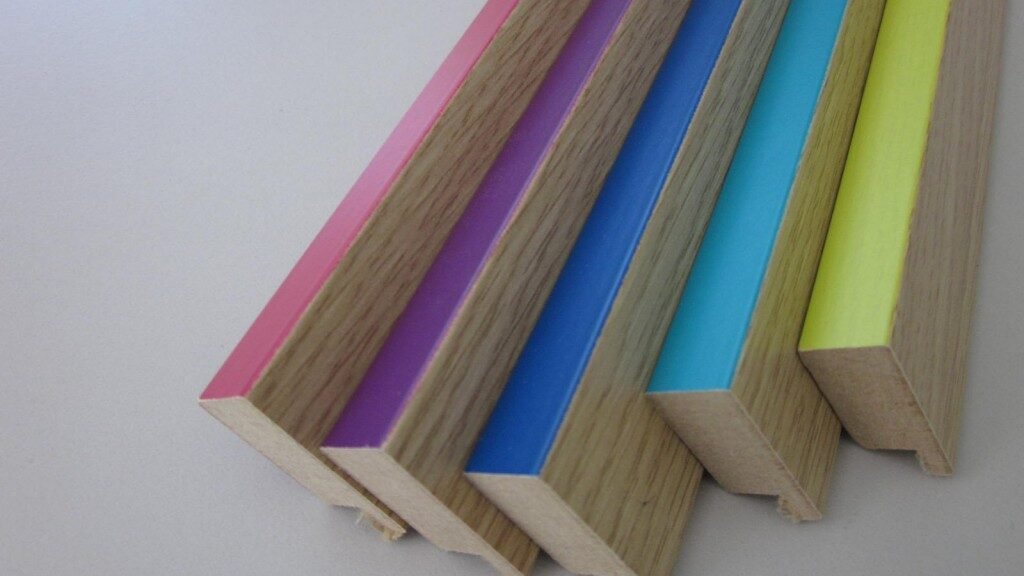
Aluminium
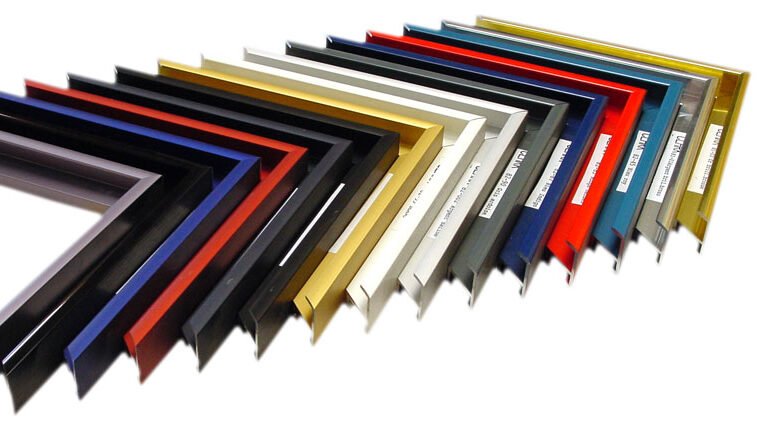

4. THE SHADE
The shade allows you to harmonize your framing with your visual.
Flat
Domed

OUR TIPS
- Adjust the width to the size of your visual
- Play with the profile to create depth and character
- Choose the material based on the intended use and environment
- Harmonize the shade with your visual